AI chat, voice and receipts
Type “coffee 5”, say it out loud or snap a receipt. Lode fills in the category, currency and date.
How Lode AI works
Lode is the AI budget and expense tracker for iPhone. It logs payments from your bank’s notifications and Apple Pay, keeps budgets, bills and trips in check, and stores everything in your own iCloud.

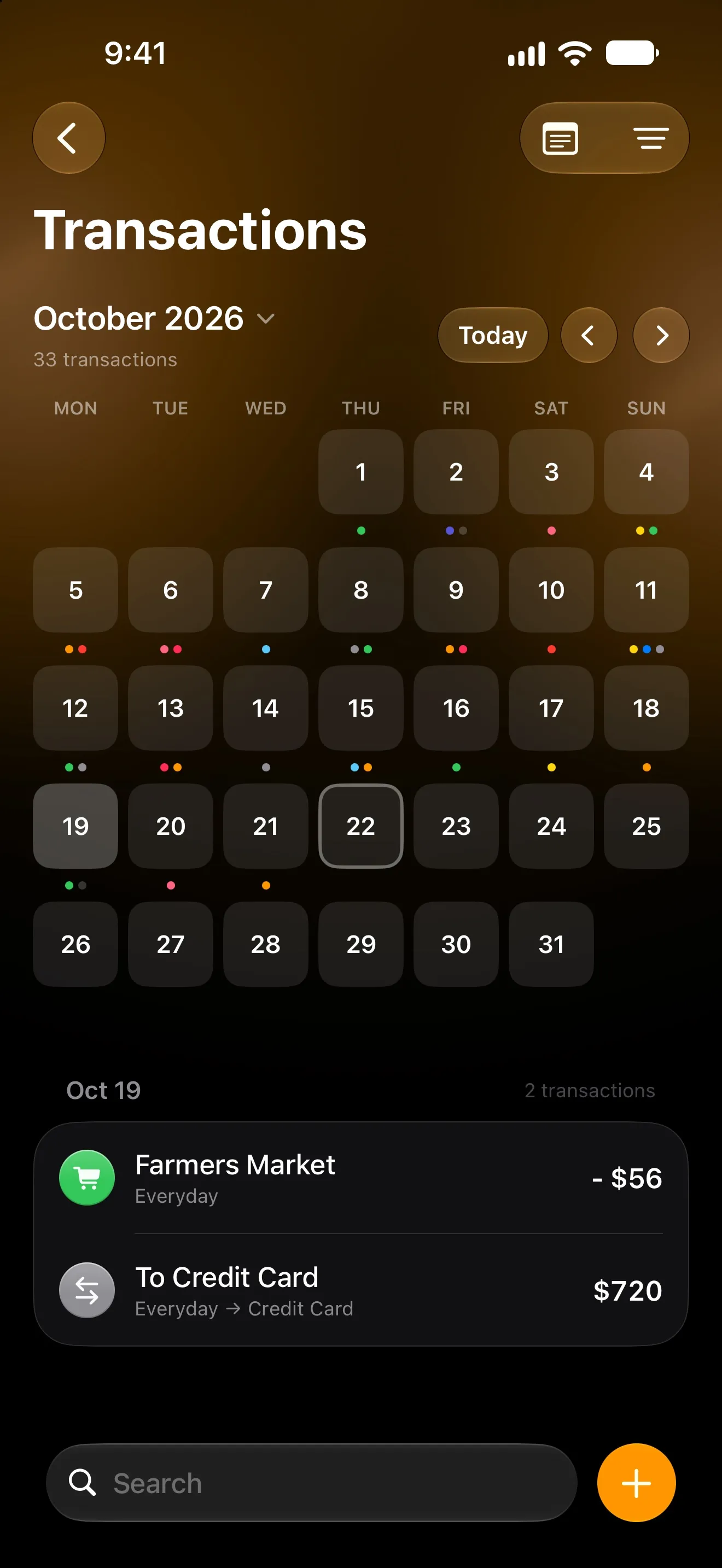
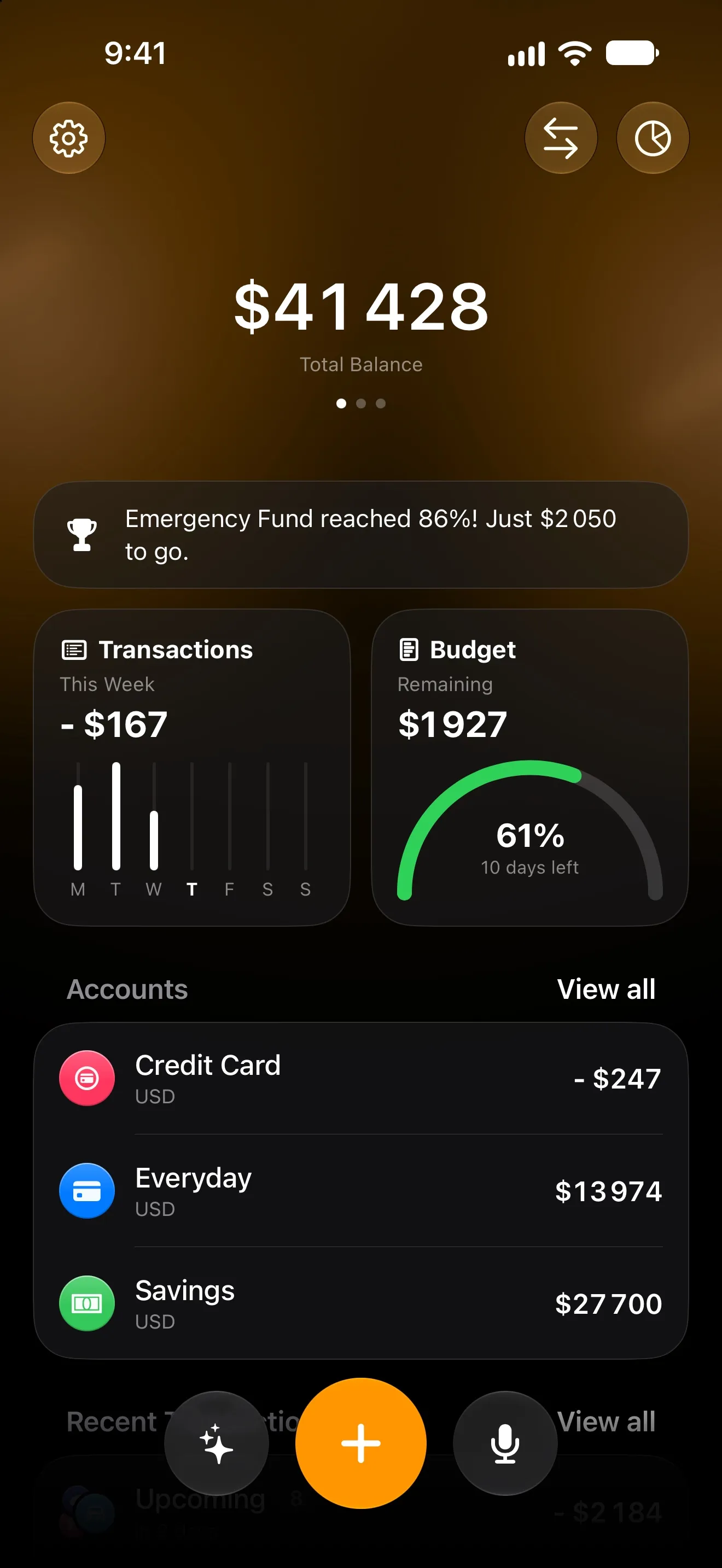
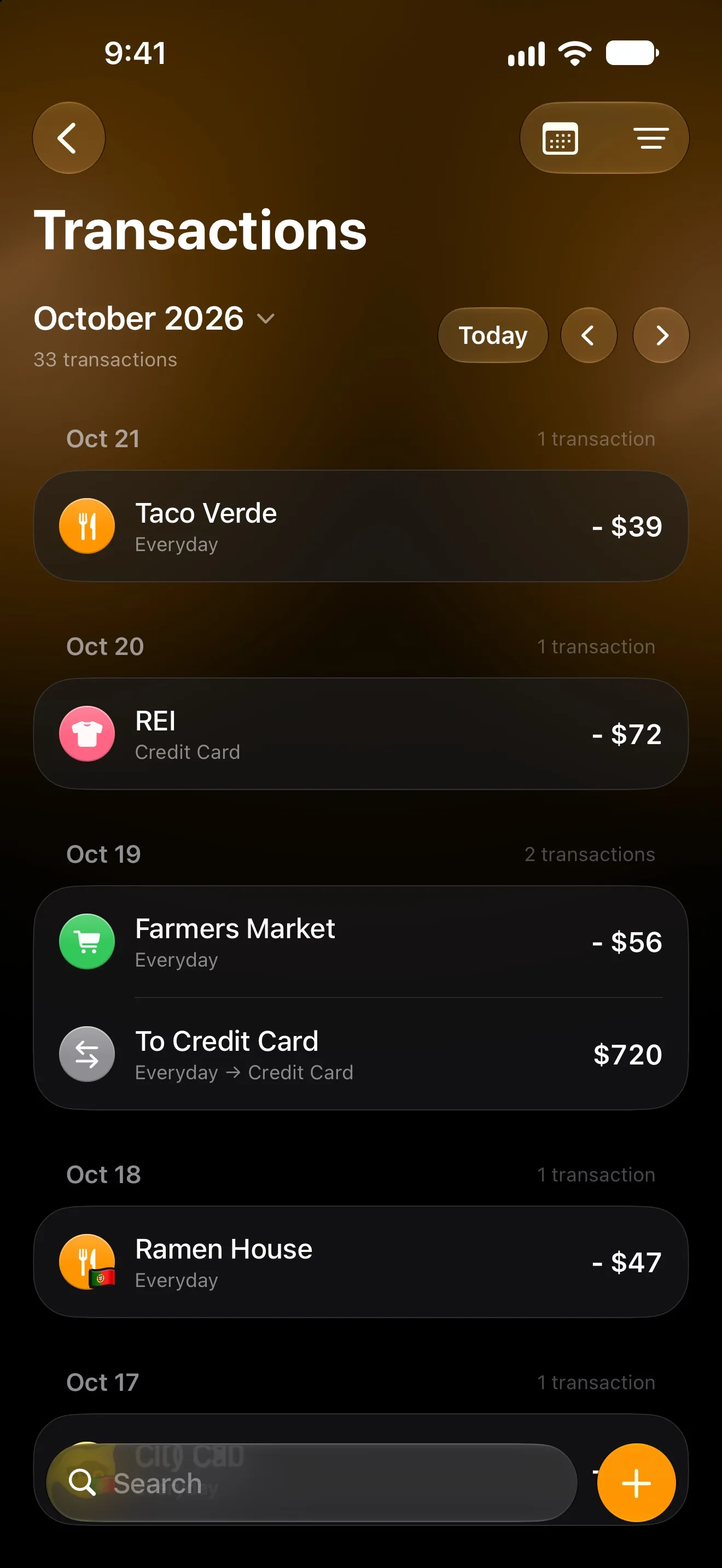
Your bank already sends a notification for every payment. Lode turns each one into a transaction — no typing, no bank login.
By card, online or with Apple Pay. Your bank sends its usual notification.
Amount, merchant and category — income too — without you opening the app.
Cash from an ATM, or a charge that may be one of your bills? One tap in a notification decides.
Bank notifications need iOS 27. Apple Pay logging works on iOS 18 and later. Both are free.
Most budget apps are either too complex or too ugly. We fixed both.
Type “coffee 5”, say it out loud or snap a receipt. Lode fills in the category, currency and date.
How Lode AI worksAn overall budget, limits per category and an income plan — with the month starting on the day you get paid.
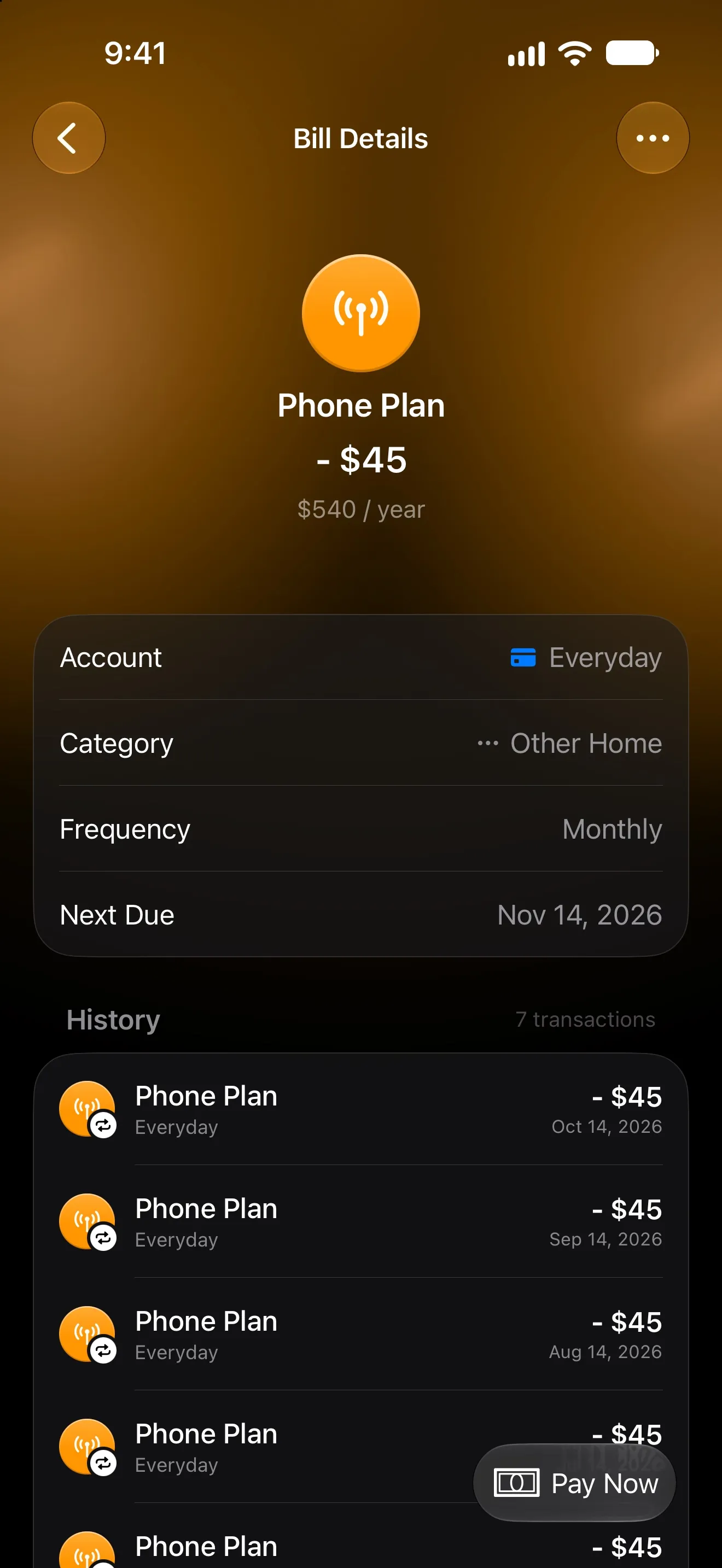
How budgets workRecurring payments are logged on schedule, and a free trial ends with a reminder, not a surprise charge.
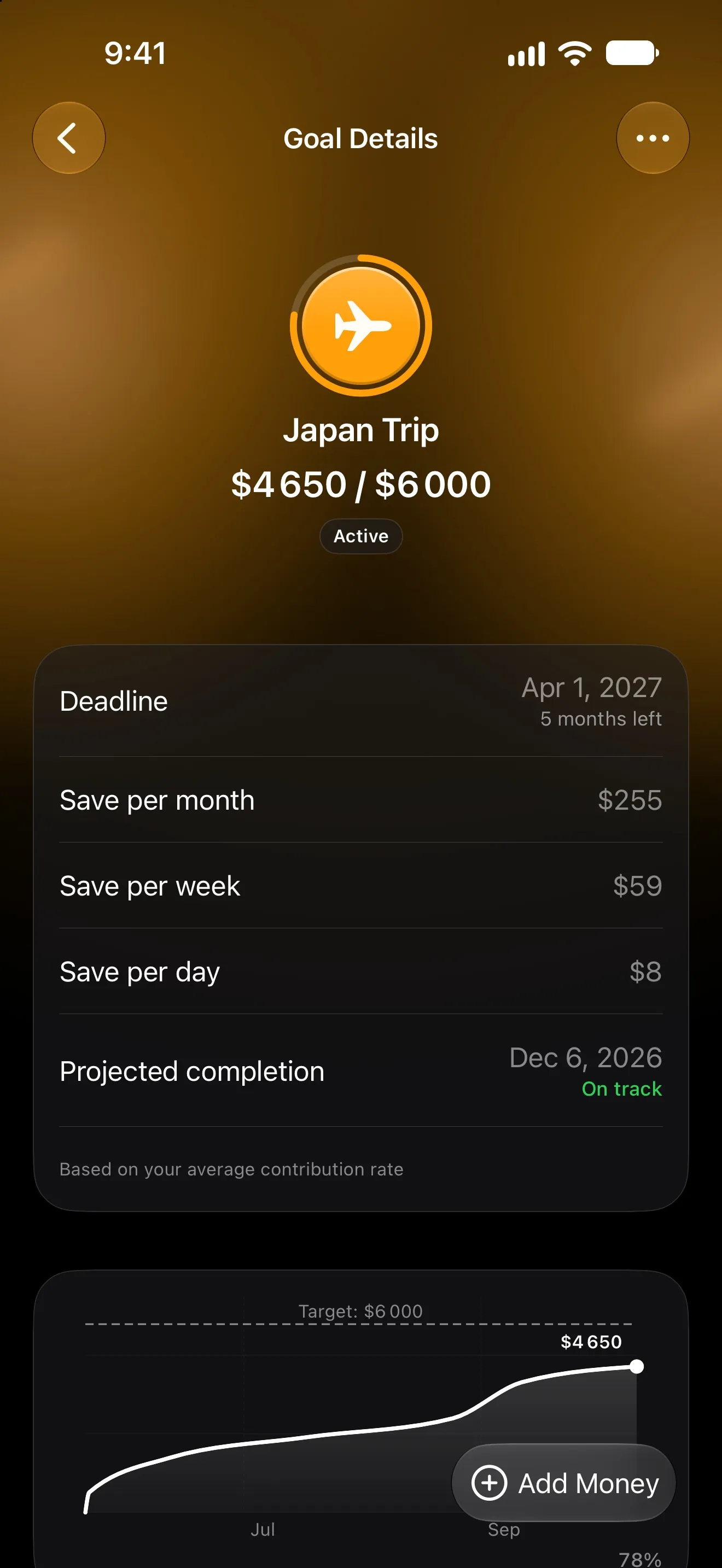
Track bills and subscriptionsSave toward a trip or a laptop at your own pace, and keep track of who owes whom.
Set a savings goalShare an account with a partner or family through iCloud. Everyone keeps their own accounts private.
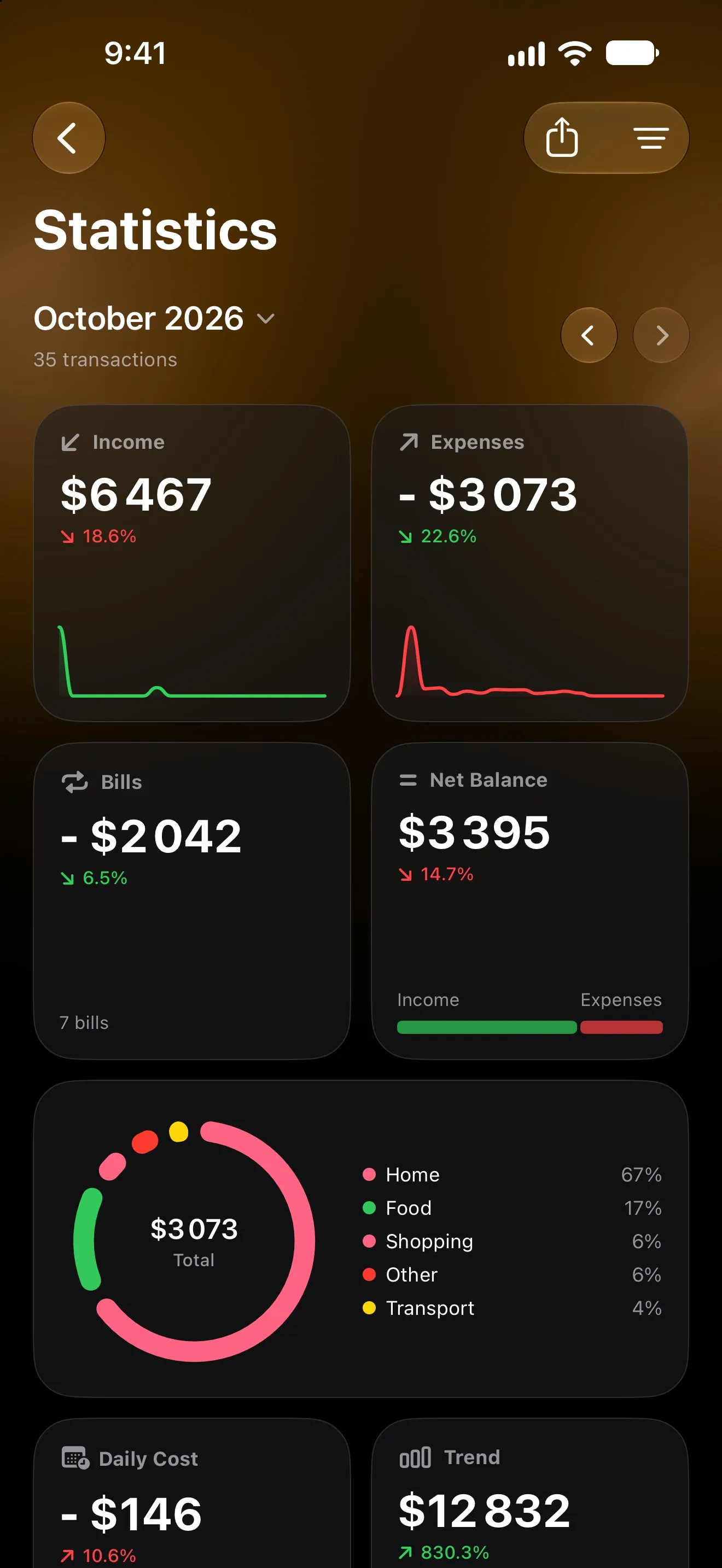
Share an accountSee where the money goes by category, day and trip, and export the month as a PDF report.
Browse the Help Center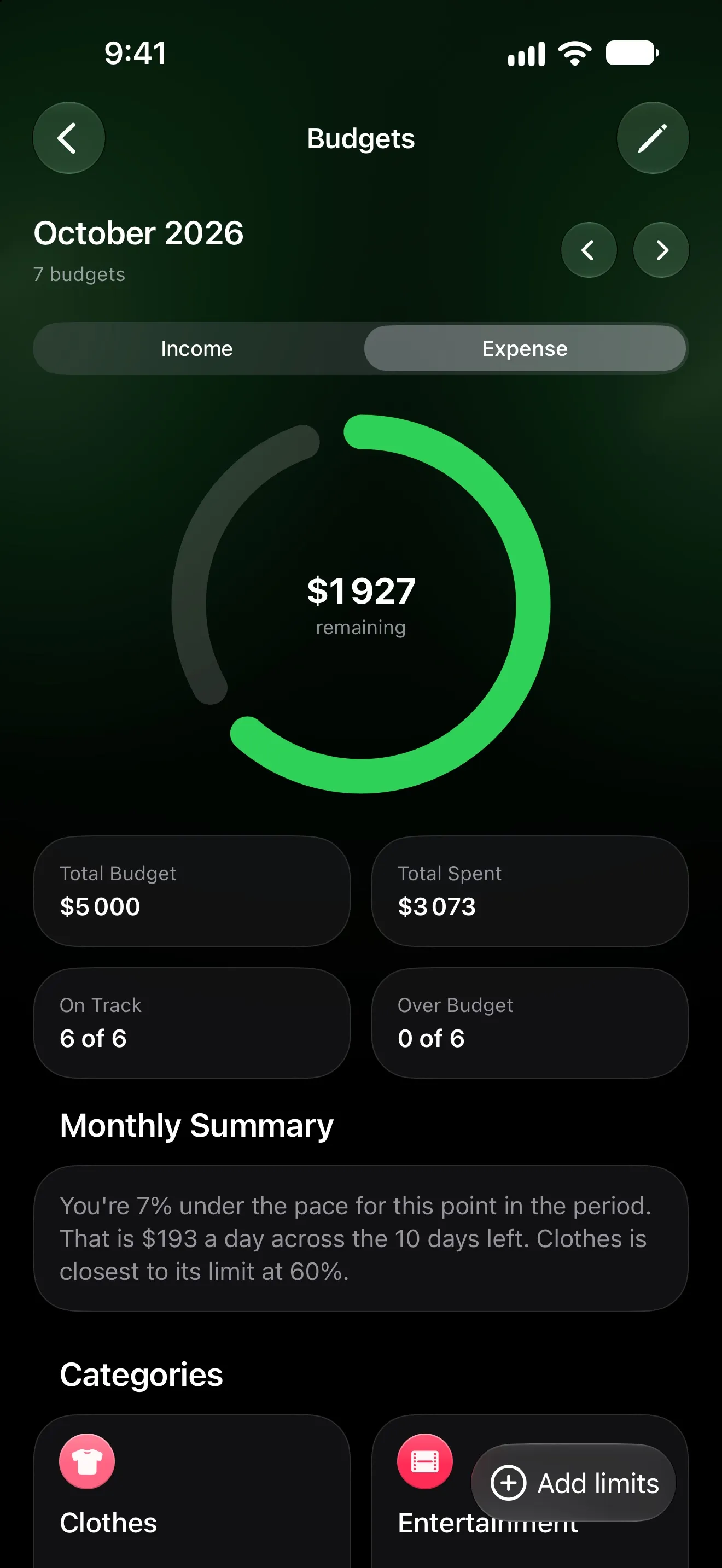
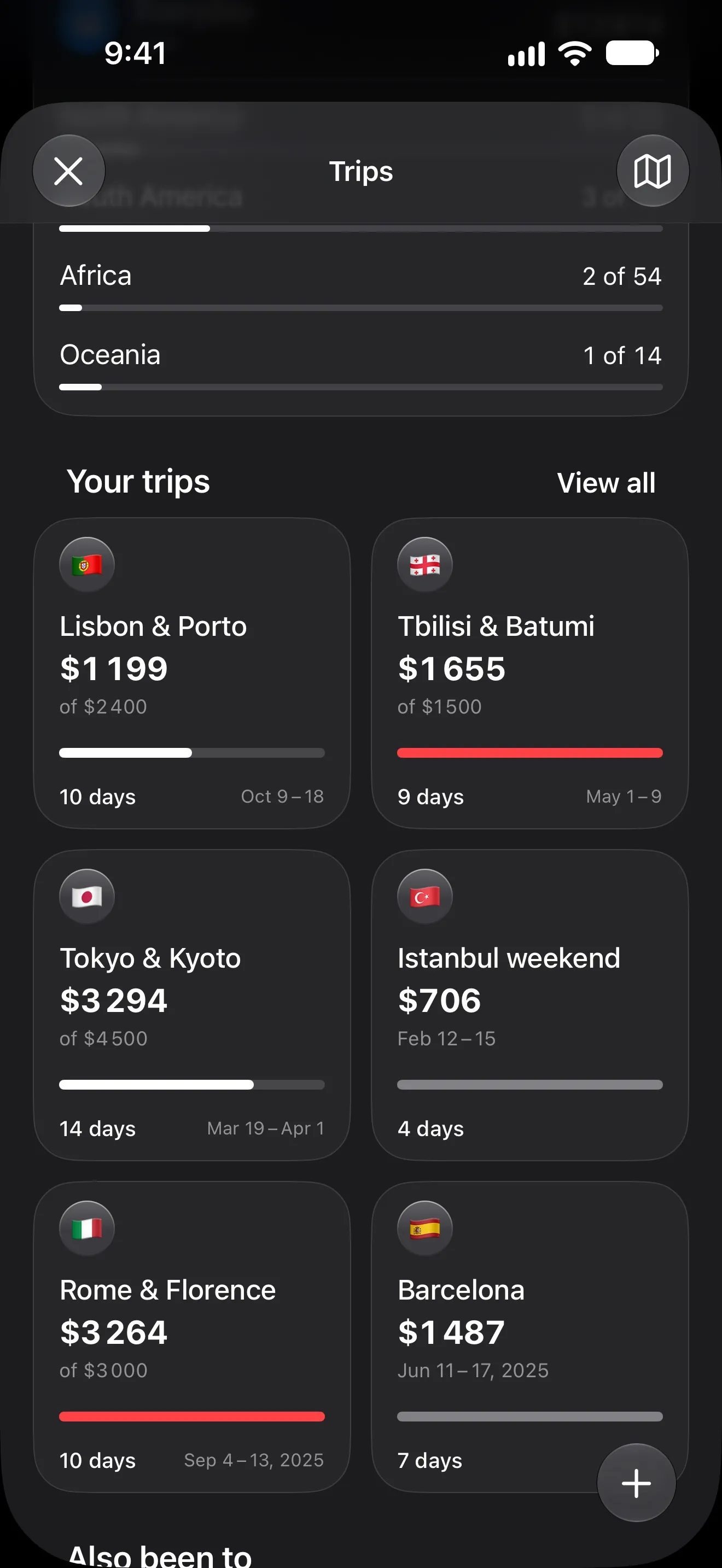
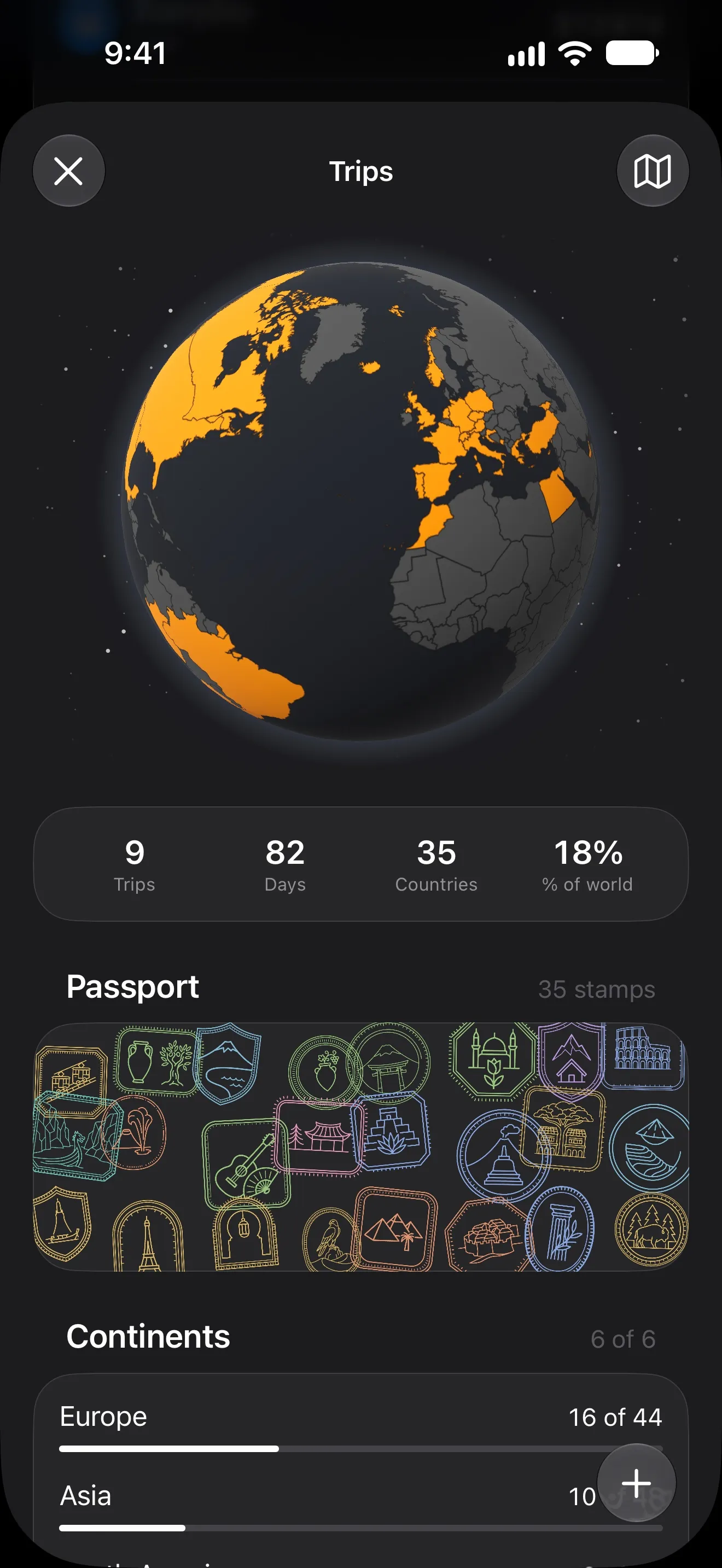
Set the country and dates, and every expense on those days goes into the trip — in any currency, against its own budget.
Your money is your business. Lode is built so it stays that way.
Lode never connects to your bank. Payments come from the notifications already on your iPhone.
No sign-up and no email. Open the app and start.
Your data lives on your iPhone and syncs through your own iCloud.
Nothing is sold or profiled. AI only sees what you send it, and nothing is stored.
Real 5-star reviews from the App Store.
Lode is very easy to use, well-designed, and helps me keep track of my income and expenses much better. The interface is clean and simple, without anything unnecessary. I changed the app I was using to Lode and am very happy with it. User-friendly interface, you can import your data from another app. I was looking for a long time for budgeting money app. Could not find that one app would have all I need. Finally I found Lode. Great program I am going to use now. Thanks! Core tracking and automatic logging are free forever. Premium unlocks Lode AI, deeper insights and no limits.
$0
Everything you need to start tracking.
$3.99/mo
or $29.99 a year with a 3-day free trial, or $59.99 once.
Prices shown in USD and may vary by region.
Everything you need to know about managing your finances with Lode.
Yes. Your data is stored on your device and synced to your personal iCloud — only you have access. We never store or see it on our servers. The only exception: AI features (Premium) send your chat messages and brief financial summaries to Google's AI for processing, and nothing is stored.
No. Lode never asks for your bank login. On iOS 27 it can read the payment notifications your bank already sends to your iPhone, and with Apple Pay it reads the purchase from Wallet — both on your device.
Yes. Add the bank-notification automation (iOS 27) or the Apple Pay automation (iOS 18 and later) once, and every payment becomes a transaction. Both automations are free.
Yes. Tracking, budgets, bills and automatic logging are free with no time limit. Premium adds Lode AI, advanced statistics and removes the limits — upgrade only if you need it.
No account, no email, no sign up. Just download and start.
Yes, with Premium. Share an account through iCloud with a partner or family; each of you keeps your own accounts private.
Yes. Start a trip with its country and dates, and every expense on those days goes into it — in any of 150+ currencies, with its own budget and a passport stamp for each country.
More than 150 currencies, with exchange rates that update automatically and a history chart for each rate. The app is available in 11 languages: English, Czech, German, Spanish, French, Japanese, Korean, Portuguese, Russian, Ukrainian and Chinese.
Yes. Import a CSV, Excel or PDF bank statement, or an export from another finance app — Lode recognizes the columns and uses Lode AI for unusual layouts and PDFs. A Lode backup is restored separately, from Settings.
With iCloud on, your data syncs to your own iCloud account. Sign in on a new device with the same Apple Account and your transactions, budgets, goals and everything else come back. With Premium you can also export a backup file to keep yourself.
Guides on budgeting, travel money and getting more out of your iPhone.
No account. No bank login. No excuses.