

How to Find Every Subscription You Pay For (and Cancel the Ones You Forgot)
Subscriptions hide in five places, and your iPhone only shows one of them. Here's how to find them all in 20 minutes, cancel safely, and keep the list current.
Subscriptions are built to be forgotten. Each one is small, it renews on its own, and it never asks again. That’s why the honest answer to “how much do I pay for subscriptions?” is usually “I’d have to check.”
Here’s how to check properly, cancel what you don’t use, and keep the list from growing back.
Where subscriptions hide
Most people look in one place and stop. There are five:
- App Store subscriptions, billed by Apple: apps, iCloud+, Apple Music, Apple TV+.
- Services billed directly to your card: streaming you signed up for on the web, cloud storage, software, news sites, VPNs.
- Utilities and contracts: phone, internet, gym, insurance. Not “subscriptions” in name, but they renew all the same.
- Free trials that turned into paid plans when you weren’t looking.
- Yearly renewals, the easiest to forget, because they show up once and then not again for a year.
Can you see all your subscriptions on iPhone?
Only some of them. Open Settings → your name → Subscriptions and your iPhone lists everything billed through Apple, active and expired. That covers group 1 and nothing else.
Anything you pay a company directly — group 2 onwards — never appears there. For those, the only complete record is your card statement.
Find the rest in 20 minutes
- Download 12 months of statements for every card you use. Twelve, not one, or the yearly renewals slip through.
- Look for the same merchant appearing again and again. Monthly charges show up 12 times, quarterly ones 4 times, yearly ones once, usually around the same date as the year before.
- Write down each one with its amount and how often it’s charged.
- Turn everything into a yearly cost. $12.99 a month doesn’t sound like much. $155.88 a year does, and that’s the number to judge it by.
If you’d rather not scroll through PDFs, import the statements into Lode (CSV, Excel and PDF all work) and search for each merchant. The full history of a charge comes up in one list.
Keep, downgrade or cancel
For each subscription, ask three questions:
- Did I use it in the last month? If not, it’s a candidate to cancel.
- Would I sign up for it again today, at this price? If not, cancel it.
- Is there a cheaper plan — ad-supported, annual, family, student — that I’d be just as happy with? Then downgrade.
Streaming is the easiest place to save without giving anything up: keep one or two services at a time and rotate them, rather than paying for five you watch in turns anyway.
How to cancel without surprises
- Apple subscriptions: cancel in Settings → your name → Subscriptions. You normally keep access until the end of the period you already paid for, so there’s no reason to wait until the last day.
- Free trials through Apple: cancelling during the trial may end access straight away, so cancel when you’re sure, not on day one by reflex.
- Everything else: cancel with the company itself, at least a day before the renewal date, and keep the confirmation email or a screenshot. Removing a card from the service is not the same as cancelling.
Keep the list current
The audit is the easy part. Keeping the list honest for the next year is where it usually falls apart. In Lode, every subscription becomes a bill:
- Set the amount, category, account and frequency — daily, weekly, every two weeks, monthly, yearly, or a custom interval such as every three months. Templates cover the common ones: rent, internet, phone, gym, streaming, insurance.
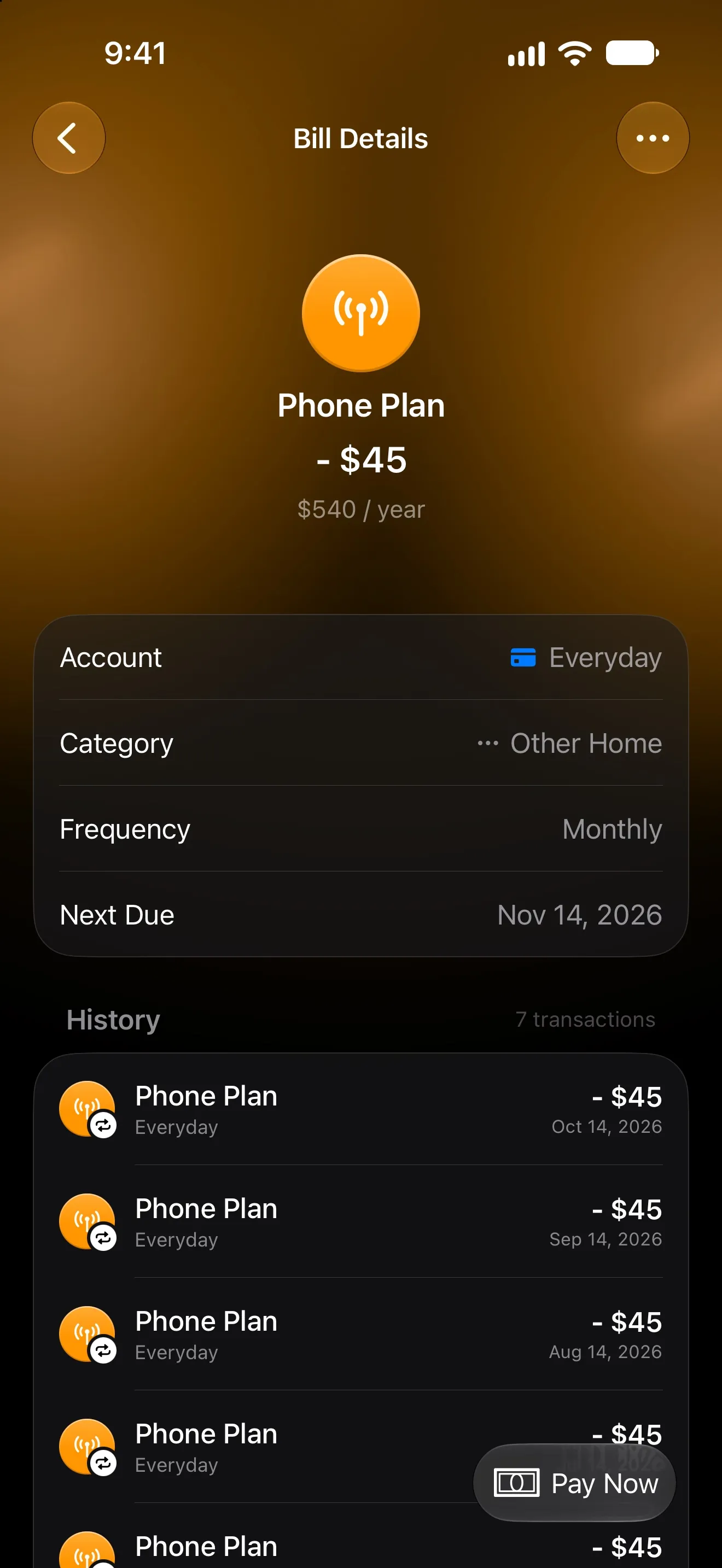
- Lode logs each payment on its due date, so the bill’s history builds itself. The bill page also shows what a monthly charge costs per year, as in the phone plan above.
- Every bill has a reminder, by default the day before it’s due at 9:00 AM.
- Free trials get their own switch: no payments are logged while the trial runs, and you’re reminded two days before it ends, while there’s still time to cancel.
- A service you’re taking a break from can be paused instead of deleted, and old ones archived so their history stays.
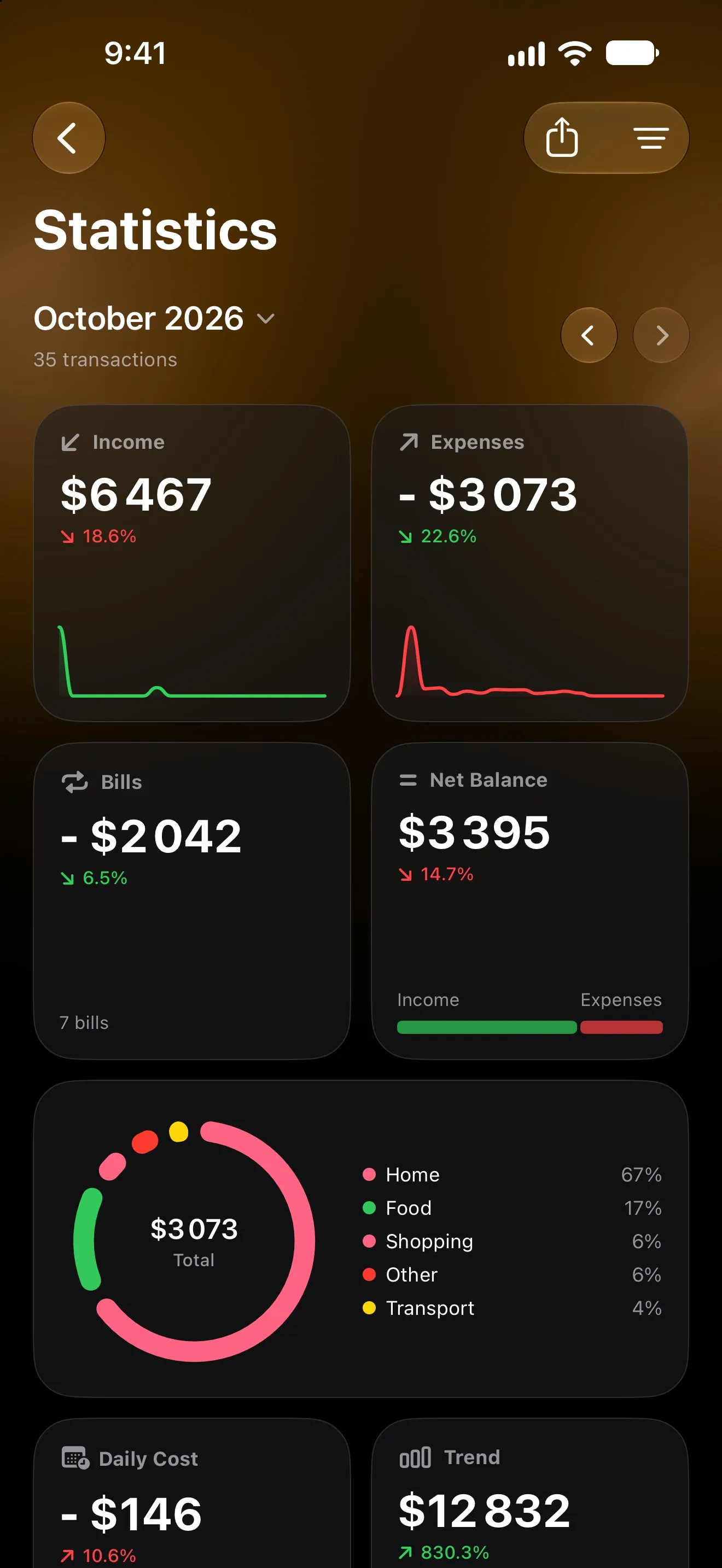
Statistics then shows how much went on bills each month next to everything else you spent, so a creeping total gets noticed.
A five-minute monthly check
- Open your bills and look at what renews in the next 30 days.
- Anything you didn’t use last month? Cancel it now, before it renews.
- Any trial ending soon? Decide today.
- Any new charge on your statement that isn’t on the list? Add it.
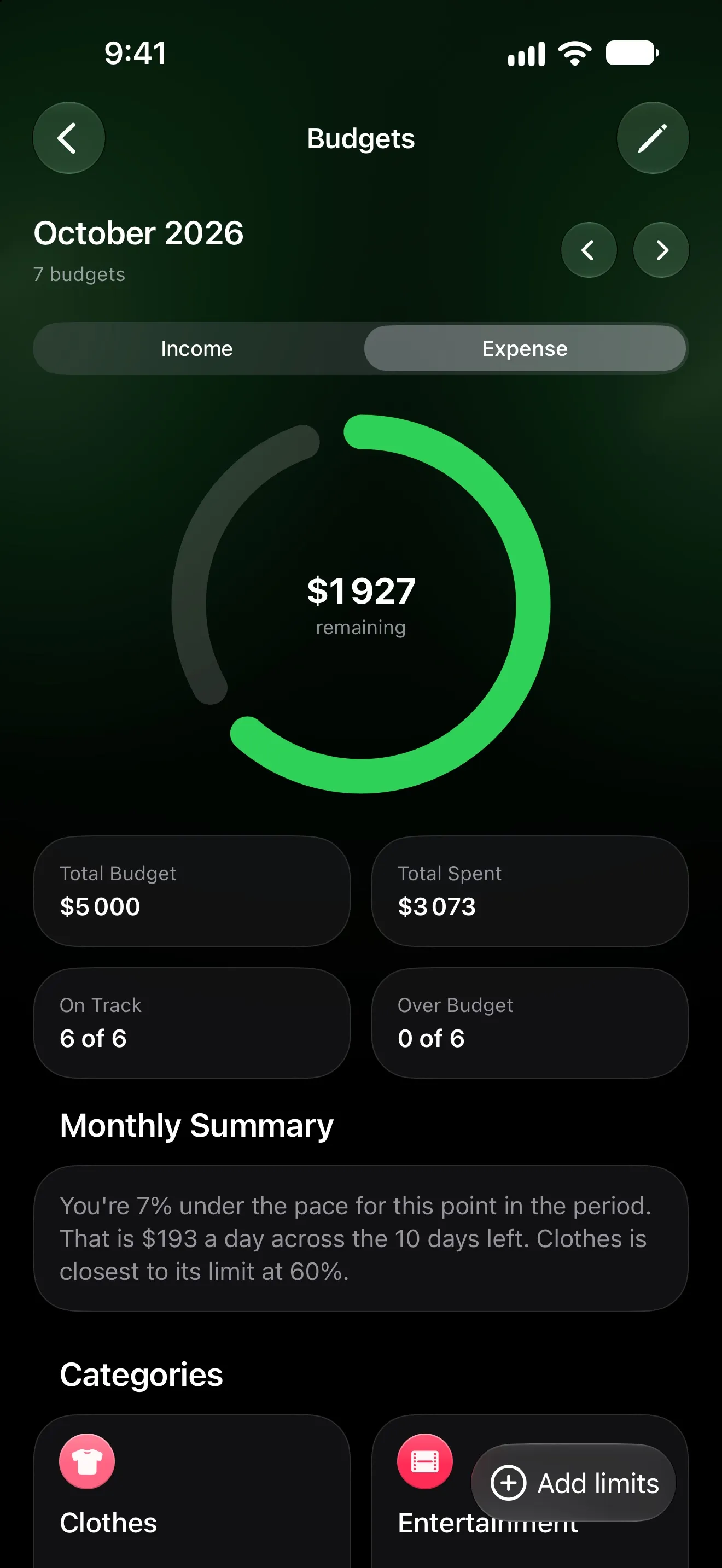
Do that once a month and you’ll never again need the 20-minute version. If you budget from one paycheck to the next, bills are also the first layer of the month — see payday budgeting.
More from the Journal
Payday Budgeting: Start Your Month on the Day You Get Paid
If your salary lands on the 25th, a calendar-month budget is always half wrong. How payday budgeting works, and how to set it up on iPhone with one setting.
How to Track Expenses Automatically on iPhone
Four ways to log spending on iPhone without typing every purchase: bank sync, Apple Pay automations and the iOS 27 notification trigger — and which to pick.